Ready to make your first copytrade? Follow this simple guide and you'll be trading in 5 minutes.
Before You Start
Make sure you have:
| Requirement | How to Get It |
|---|---|
| Account | Sign up at polyfollow.com |
| USDC | Deposit $20-50 to start |
| Balance visible | Check Dashboard shows your funds |
Step 1: Find a Trader
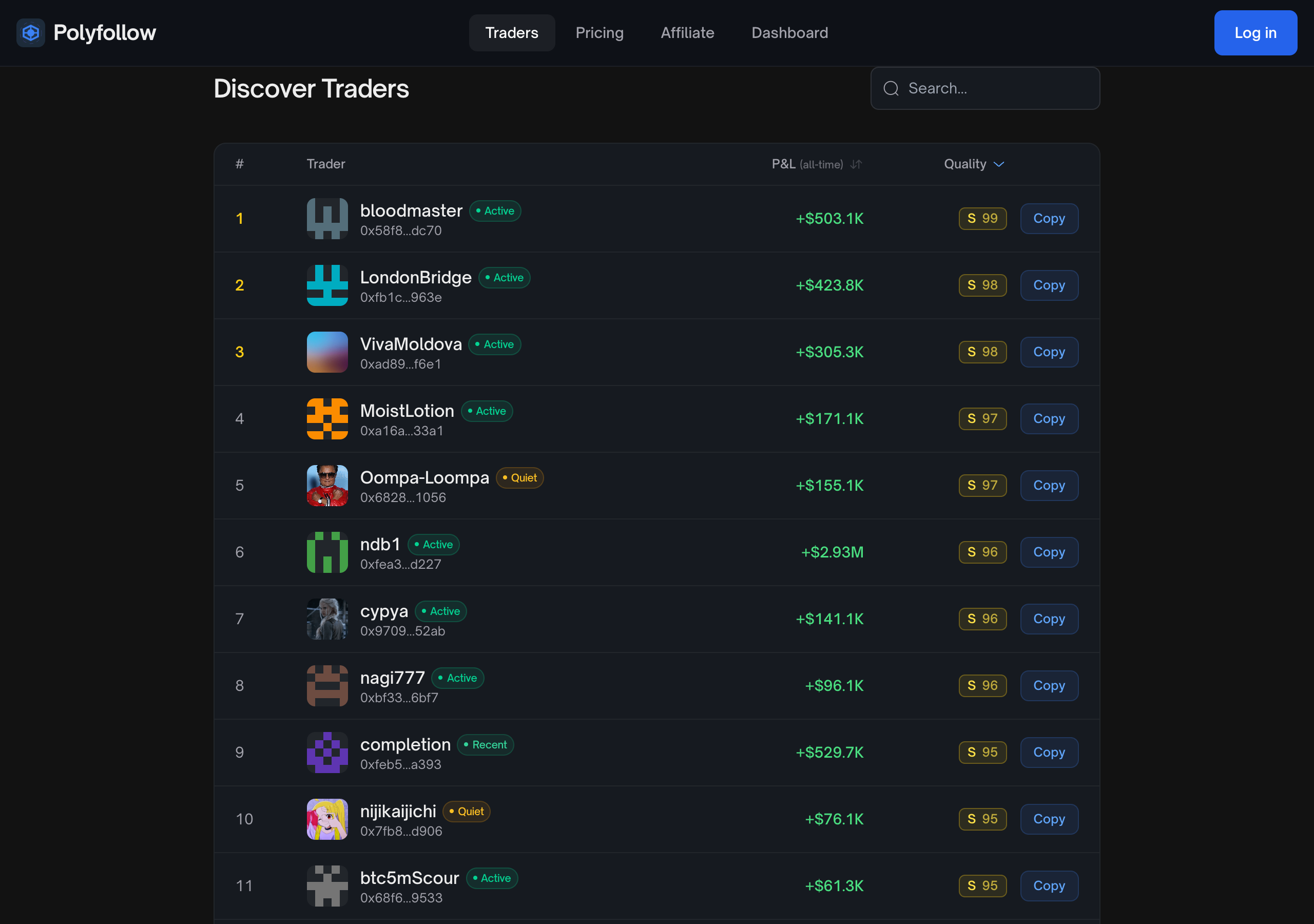
- Click Traders in the menu
- Look at the Best Performers section
- Pick someone with:
- Positive profit (green numbers)
- A high quality score (S or A tier)
- Recent activity
Step 2: Review Their Profile
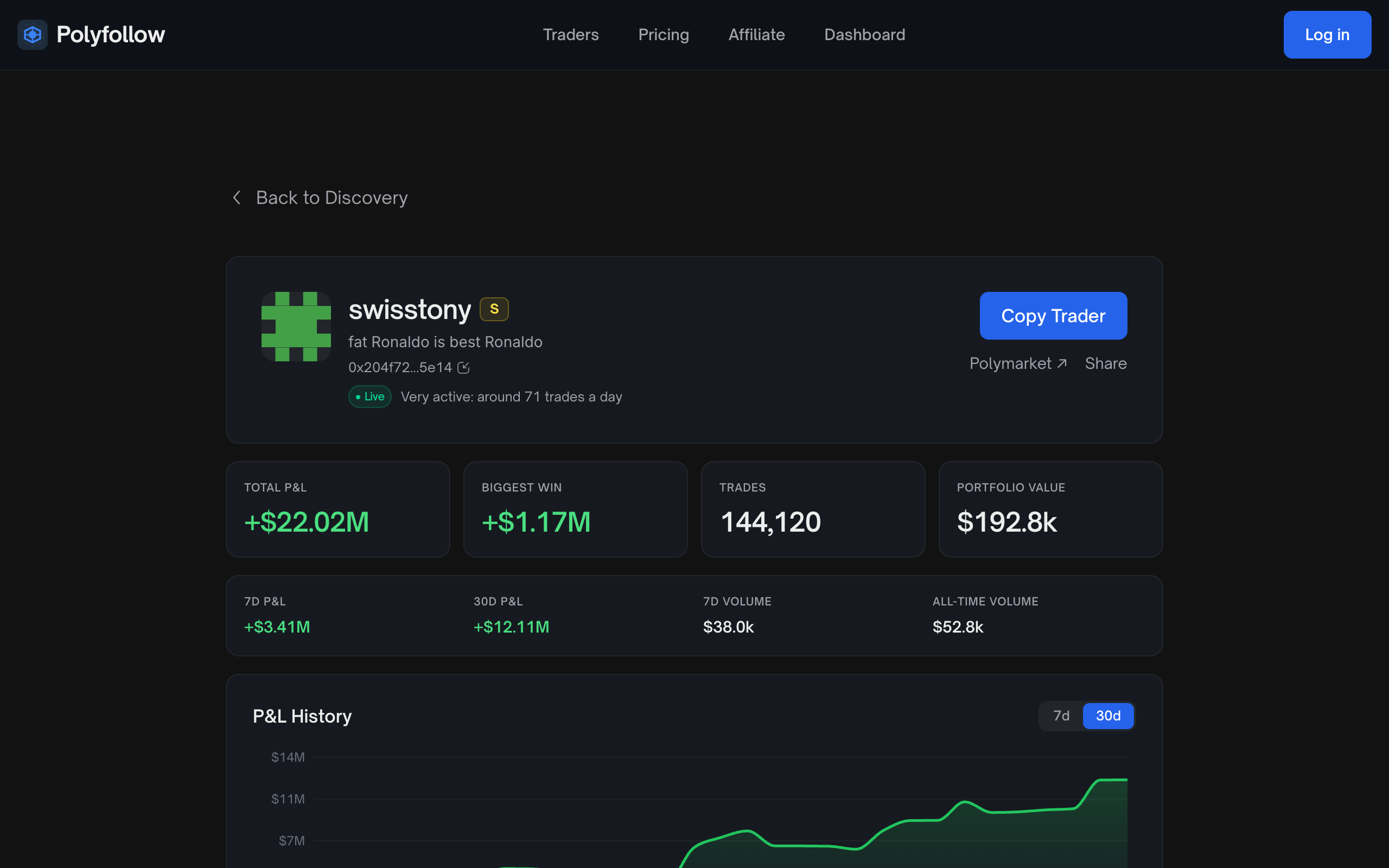
Click on a trader to see:
| Metric | What to Look For |
|---|---|
| Win Rate | Higher = more consistent |
| Total Profit | Positive number = good |
| Trade Count | More trades = more data |
| Recent Trades | Active in last 7 days |
Step 3: Set Up the Copy
Click Copy Trader. A short setup walks you through four steps: Size, Limits, What to copy and Review. Only the size is required.
Recommended Beginner Settings
| Setting | Value | Why |
|---|---|---|
| Amount per trade | $5 | Predictable, and copies every market |
| Pause if I'm down | An amount you're comfortable losing | Stops copying a trader on a bad streak |
| Max invested at once | About half your balance | Keeps one trader from using all your funds |
The Copy preview in the first step replays the trader's latest buys with your settings, so you see how many would be copied and what they would cost before you start. Limits and What to copy are optional: tap Skip to review to go straight to the summary.
Step 4: Start Copying
- Check the summary on the Review step
- Click Start copying
- You'll see a green "Copying" status
That's it! You're now copying trades automatically.
Step 5: Wait for Trades
Now you wait for the trader to make a move. When they do:
- You get a notification
- Trade executes in under 1 second
- Position appears in your Dashboard
What to Expect
| Timeframe | What Might Happen |
|---|---|
| First hour | Might not see trades (depends on trader) |
| First day | Usually 1-5 trades |
| First week | Better sense of trader's style |
Be patient - good traders don't over-trade.
Beginner Tips
- Start small - $25 max per trade while learning
- Copy 2-3 traders - Don't put all eggs in one basket
- Check daily - Review your positions and P&L
- Don't panic sell - Let the copytrading system work
- Keep buffer - Always have 20% extra balance